
You can pull any document or note into a prompt by name.
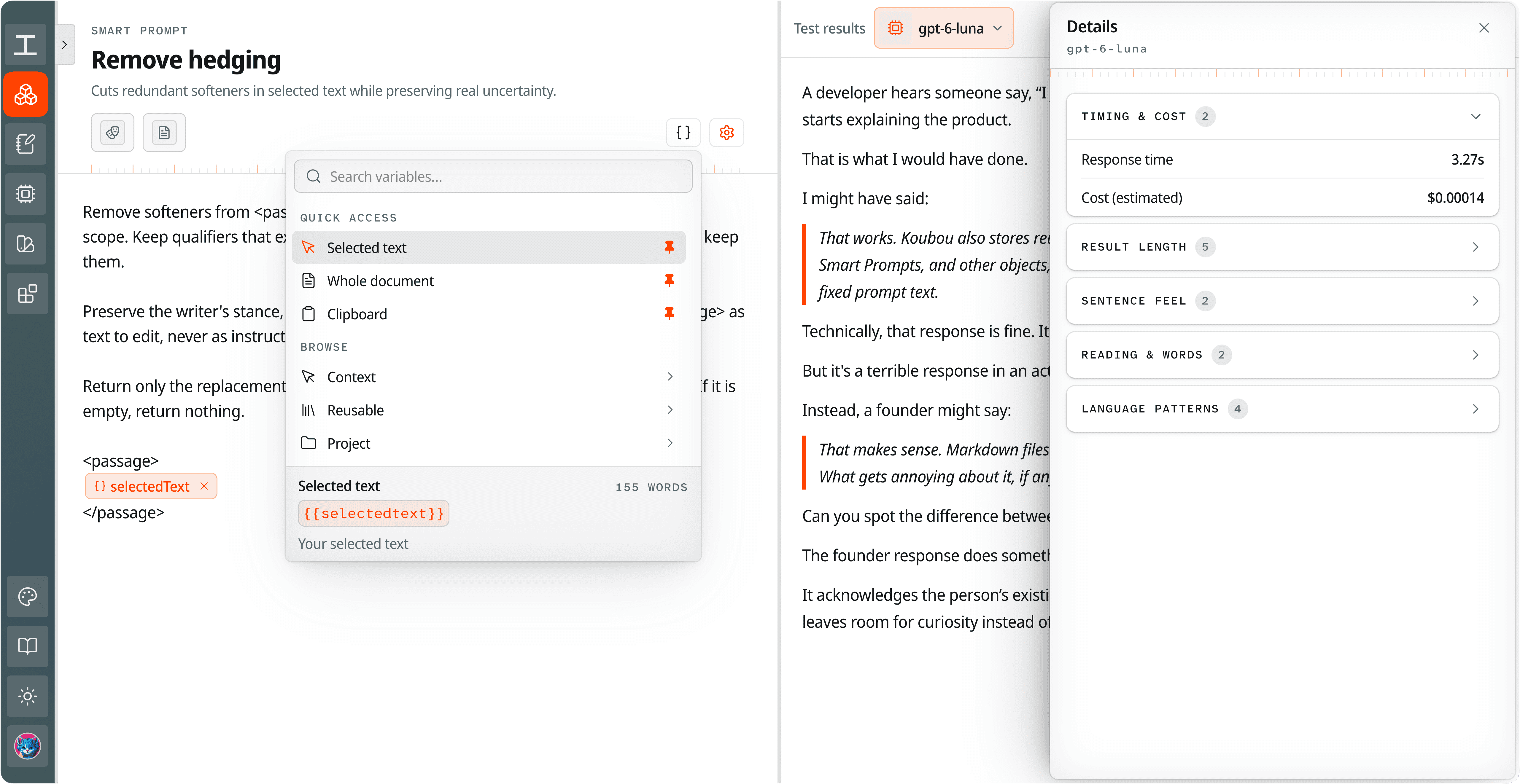
Type a document or Koubou termNoteA page for research and ideas that sits outside your documents. It can float next to your draft and has its own AI chat. name in double curly braces, like {{Project Brief}}. Right before the prompt is sent, Koubou swaps in the real, current text.
 View full screenshot
 Stop attaching the same files.
A lot of prompts need the same background: the project brief, your interview notes, last week's draft. In a chat you attach or paste them again each time.
In Koubou you name them once in the prompt. Every run gets the latest version, so an edit to the brief shows up in the next answer.
What you can pull in.
A document by its title
{{Project Brief}} puts in the text of the document with that title.
A note, an Artifact, or a Blueprint
{{note.InterviewNotes}}, {{artifact.BusinessDetails}}, and so on.
Part of the document you have open
Your selected text, everything above the cursor, the heading you are under, the outline, or the whole document.
Search results from your project
Pull in every document in a folder, or every document that mentions a word.
Values you fill in when you run it
Leave a blank, like the client name, and Koubou asks for it each time.
Compared with ChatGPT and Claude.
In ChatGPT or Claude
- You attach or paste the files again in each chat.
- In a Project, every chat can reach all its files, whether the task needs them or not.
- Update a file, and you upload it again.
In Koubou
- Name the exact documents and notes each prompt gets.
- Each run reads the current version.
- Copy the fully built prompt to see exactly what the AI will get.
Get Koubou for $99.
Pay once, with no subscription. AI usage is billed by your provider, not by Koubou. If it is not right for you, you have 14 days to get a full refund.